Mi-Test
A Chrome extension that provisions a fully seeded test user in any environment and subscription plan with a single click. Adopted globally by 200+ employees across all teams and offices.
The Problem
Miro has many subscription plans, and every plan has its own logic, features, and permissions. Testing any feature required a user with the correct plan, role, and data in the correct environment.
Finding or creating the right test user manually was a time sink — especially for POs and developers who just needed a working dashboard to validate something quickly.
How It Works
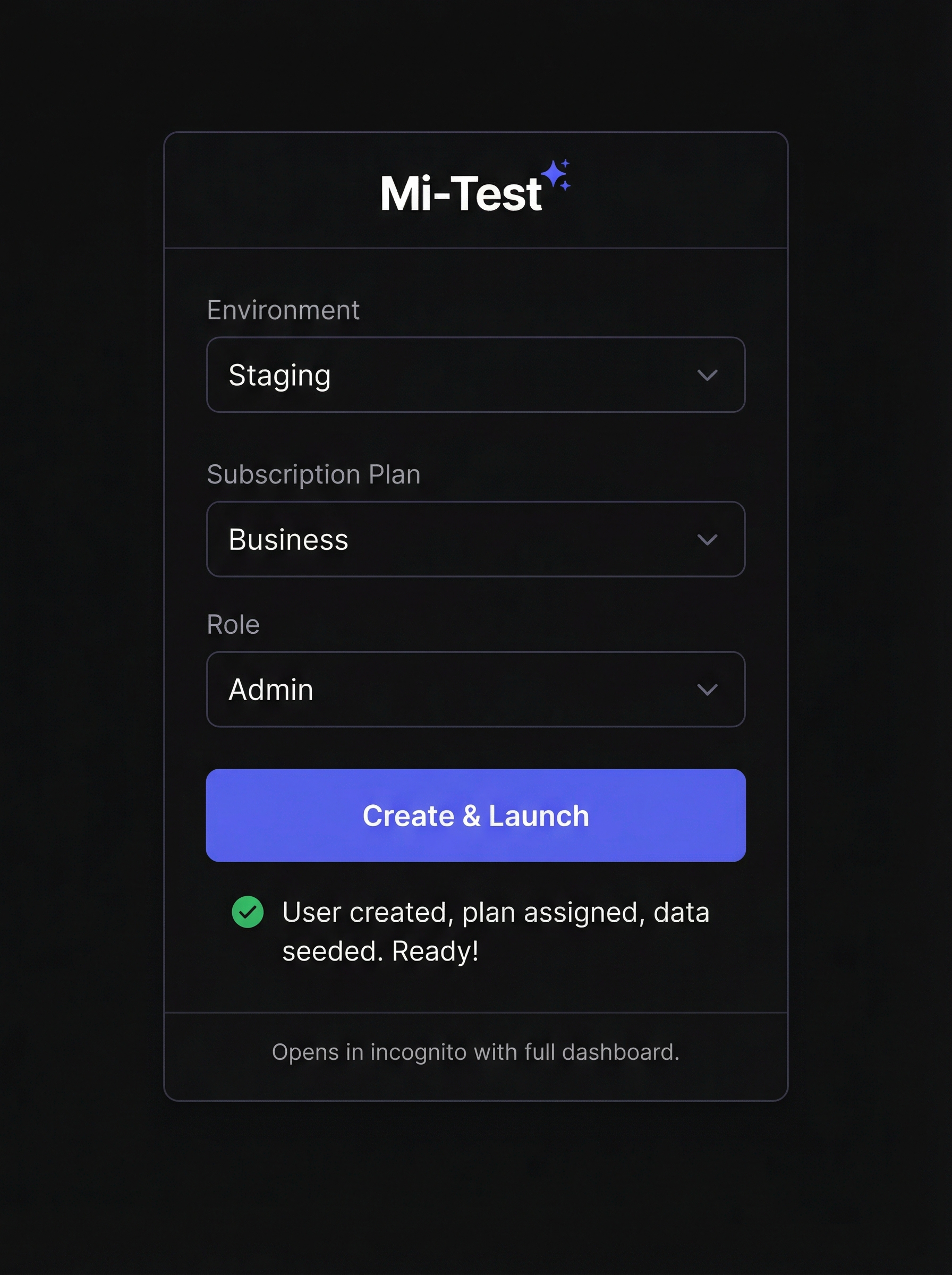
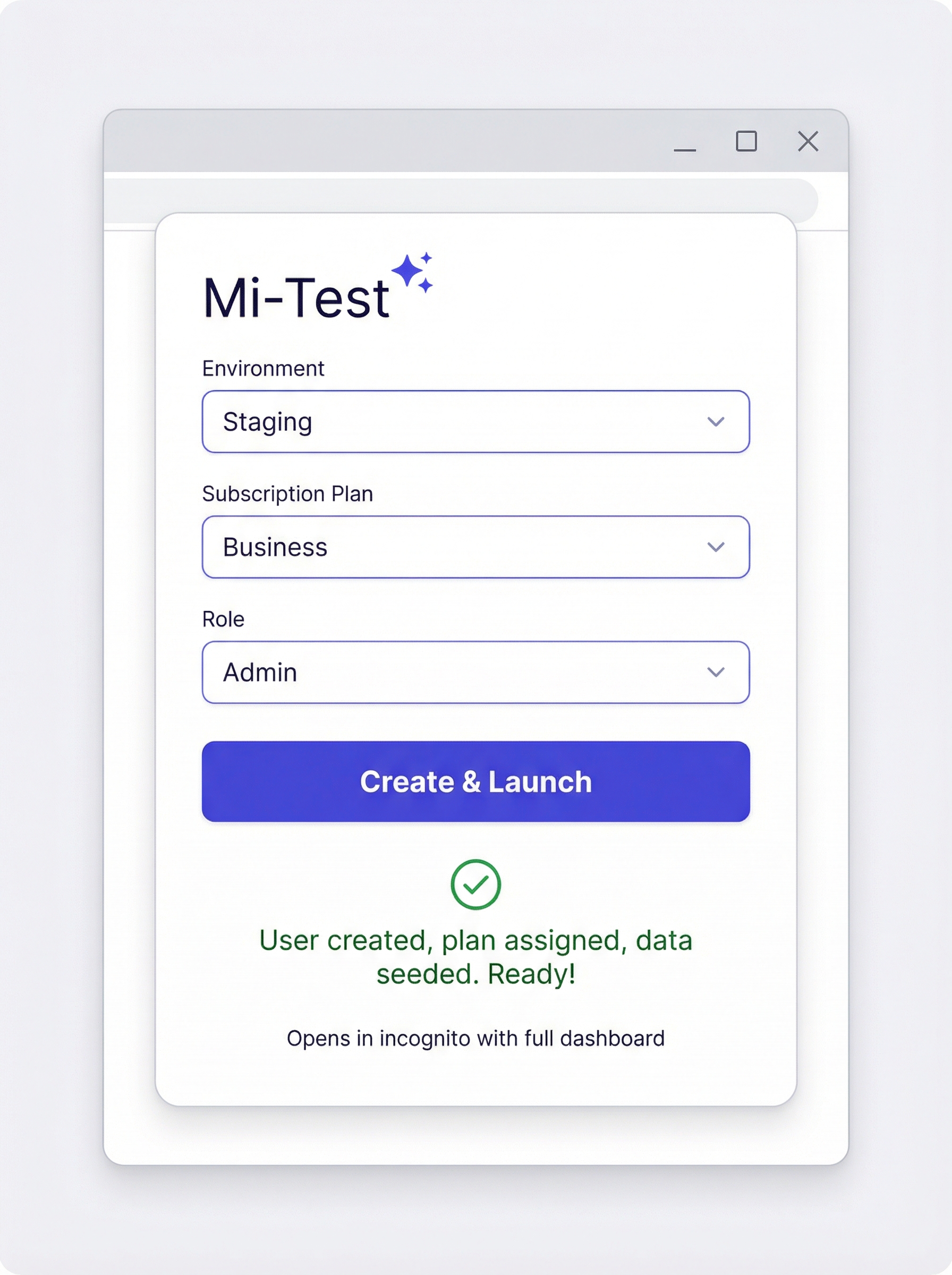
Select Environment
Pick from Dev, Staging, or any configured environment.
Select Subscription Plan
Choose the exact plan you want to test — Free, Pro, Business, Enterprise, etc.
Click
Mi-Test does everything behind the scenes.
Behind the Scenes
Creates a new user via API → Assigns the correct plan via API → Seeds important data via API → Opens a new incognito window → Logs the user in automatically.
Ready Dashboard
A fully set-up Miro dashboard with the correct plan, role, and seeded data — ready to test in seconds.
The Extension
Impact
Especially appreciated by Product Owners who could validate features independently without involving engineers just to get a test account.
Interested in internal tooling like this?
Let's Talk